Audiobook Maker: What the Free Ones Actually Produce
An audiobook maker, creator, and generator are sold as one thing but do three jobs: publishing your own book, converting one you own, and turning text into a voice file. Which tool fits which, with real prices and honest limits.
A good audiobook maker is software that takes written text and gives you finished audio files you keep. That definition is narrower than the market suggests, because the phrase is used for at least three different jobs, and the tool that does one job well is usually wrong for the other two.
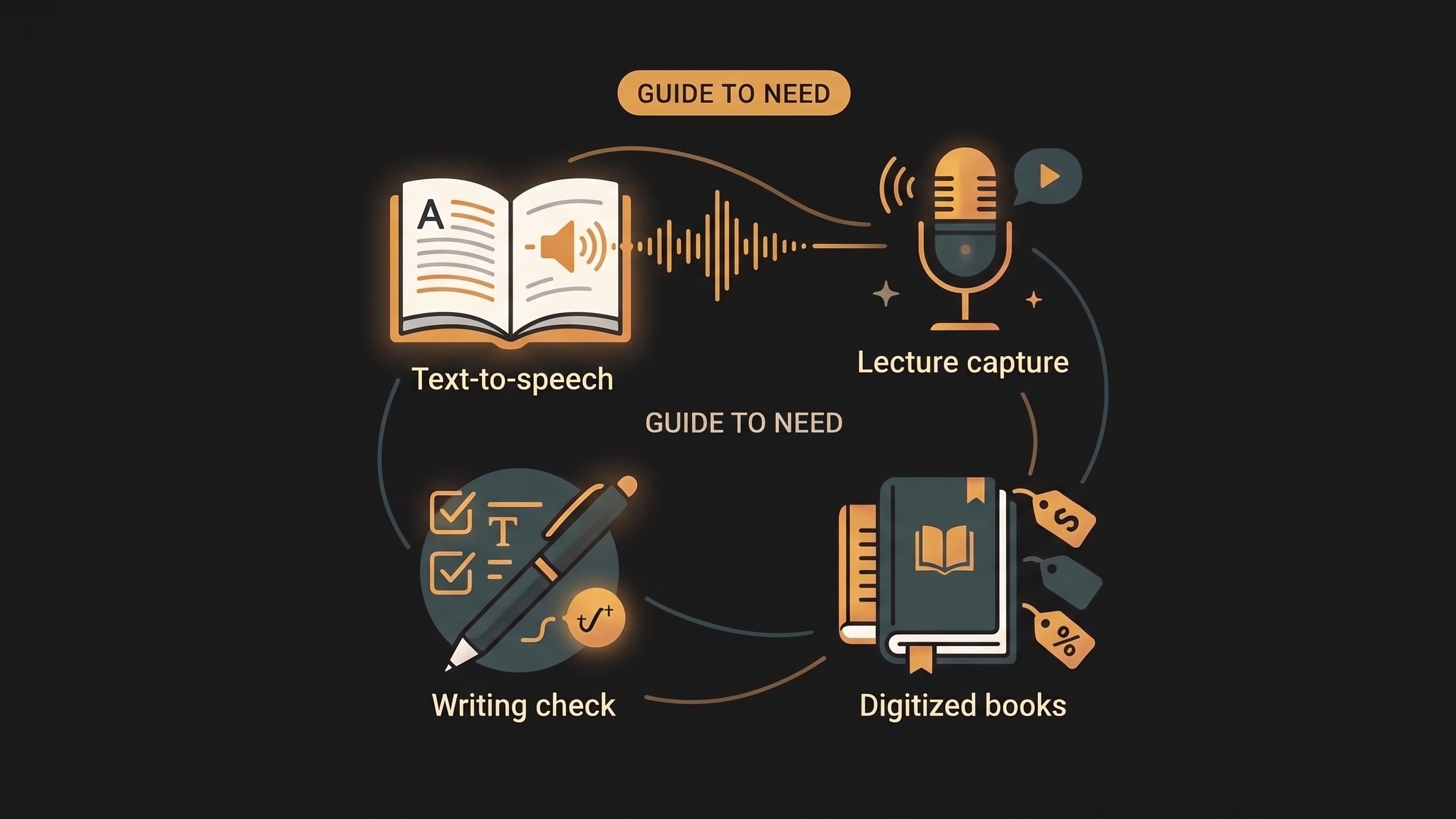
Search for an audiobook maker, an audiobook creator, or an audiobook generator free, and you get a pile of tools that all claim the same result while producing wildly different things: some export MP3s you own, some only read aloud while the screen is on, and some are built for authors shipping to a retailer. This guide separates those three jobs, compares the free options honestly, and covers what free narration genuinely cannot do.
An audiobook maker is three different jobs
Most of the confusion comes from one phrase covering three buyers with almost nothing in common.
Job 1: You wrote a book and want to publish it. You need narration that meets retail audio standards, chapter files ready for a distributor, and a clear answer on whether synthetic narration is allowed. This is a production job, and the tools are a studio, a professional narrator, or a paid AI narration service with mastering.
Job 2: You own a book or document and want to listen to it. Nobody is going to publish an audiobook of your assigned textbook chapter or the 400-page report on your desk. You need conversion: your file in, chapters out, playable on your phone. This is where chapter-aware conversion lives, and it is the job most "audiobook maker" searches actually mean.
Job 3: You want text turned into a voice file. A blog post, a script, a set of study notes. Short, one-off, no chapters needed, often a single file you upload somewhere else. That is text to speech wearing an audiobook costume, and a text-to-audio converter is the honest name for it.
| What you actually want | The right category | Typical cost |
|---|---|---|
| Publish a finished audiobook of your own book | Studio, human narrator, or paid AI narration with mastering | $500–$3,000+ per book |
| Listen to a PDF, EPUB, or textbook you own | Chapter-aware conversion | Free first chapter, then $3 packs or $9/month |
| Turn text into a voice file once | Text-to-speech tool | Free tiers, then per-character pricing |
Getting this wrong is the most expensive mistake in the category. People buy a real-time read-aloud subscription expecting produced files, or pay publishing-grade rates to listen to a PDF on the commute.
What separates a real audiobook maker from a read-aloud app
Four things, and only two of them are advertised.
Files you keep. A read-aloud app speaks the text while you sit there. Close the app and the audio is gone. A maker produces MP3s: on your device, on a locked screen, in your car, offline on a flight.
Chapters. A real audiobook has a navigable chapter list, not one nine-hour file. Chapter structure also decides whether you can resume where you stopped, and whether the table of contents gets narrated as prose.
Position that survives. Listen to chapter 6 on your phone, open your laptop, continue there. Real-time readers cannot do this, because nothing was ever produced.
Junk filtering. This is the quiet differentiator. Feed a textbook into a plain TTS tool and it reads every table cell, figure caption, running header, and page number aloud, in order. A tool built for books detects document structure and skips what should never be narrated. Our version of that problem is covered in how to listen to a PDF.
The free options, honestly compared
Every tool below has a genuinely useful free path. They do not do the same thing.
| Tool | Platform | What free gets you | Produces files? | Chapters? |
|---|---|---|---|---|
| Edge Read Aloud, OS screen readers | Windows, Mac, iOS, Android | Unlimited real-time reading | No | No |
| Balabolka | Windows | Unlimited conversion with desktop voices | Yes, MP3/WAV | Manual splitting |
| @Voice Aloud Reader | Android | Reading plus audio export after a one-time unlock | Yes | Partial |
| Speechify / NaturalReader free tiers | Web, iOS, Android | Real-time reading with daily or per-document caps | Limited | Weak |
| ElevenLabs free tier | Web | Excellent voices, small monthly character allowance | Yes | No |
| Google Cloud, Azure, AWS TTS | API | Generous monthly character allowances, no interface | Yes, with scripting | DIY |
| Audionarrator free tier | Web | First chapter of any book, up to 15,000 words | Yes, MP3 downloads | Yes, detected |
Three notes the marketing pages leave out.
Balabolka is the best true free converter on Windows, and it is what most DIY guides point to. No cost, no interface problems. Voice quality comes from whatever voices Windows has installed, chapter splitting is manual, and a 300-page book becomes one long document it reads straight through, tables included. Fine for a report, painful for a textbook.
ElevenLabs proves voice quality is not the bottleneck. Its narration is the best synthetic voice commercially available, and the free allowance runs out after a few minutes of audio. Quality is solved; volume is what you pay for.
The cloud API route is the cheapest quality per dollar, if you can write a script. You also own every failure mode: chunking, concatenation, retries, chapter mapping, and the bill when you forget a loop. It is the right answer for someone converting books monthly who enjoys that work. It is a poor recommendation for someone who wants to hear a PDF tonight.
What free narration genuinely cannot do
Full-book narration with modern voices is not free anywhere, and the reason is arithmetic rather than stinginess.
A 300-page textbook is roughly 120,000 words, about 13 hours of speech. Neural voices are billed per character by every provider, so that book costs real money in compute before anyone adds a margin. A tool advertising unlimited free full-book conversion is either using robotic legacy voices, capping you after minutes, or running a trial that ends the moment you start relying on it.
The honest version of free is what we do: the full first chapter of any book, up to 15,000 words, no card, so you hear your actual document in the actual voice before deciding. After that, a $3 one-time word pack or a $9/month plan is the real price. Every route in this category that looks unlimited and free has a limit somewhere, usually in voice quality or in a cap nobody reads.
If the job is publishing, the rules are different
Job 1 does not want a PDF converter. It wants audio that passes retail technical requirements, which are specific: MP3 at 192 kbps or higher, constant bitrate, 44.1 kHz, RMS levels between roughly −23 and −18 dB with peaks below −3 dB, one file per chapter, and opening and closing credits on the first and last files.
Two things shape your plan more than the file specs.
Synthetic narration policy. Whether AI narration is accepted for a retail release has shifted repeatedly, and platforms do not treat it the same way, including one route that generates an audiobook directly from an eligible ebook on the retailer's own side. Check current policy for your target platform before you produce 13 hours of anything.
Your time is the real cost. Even with a strong AI voice, you listen to the whole book to catch mispronunciations — proper nouns, foreign terms, notation — and fix them. That review pass is hours of work per book, and it is what separates a publishable release from a personal listening copy. The full arithmetic, narrator rates included, is in how much it costs to make an audiobook.
Choosing between them
Cheapest first, by job:
- Listening to something you own, tonight — the screen reader already on your device. Free, immediate, no files.
- Listening in the car or offline — Balabolka on Windows with installed voices, or @Voice Aloud Reader on Android with a one-time unlock. Free to about $10.
- Book-length documents you will live with for weeks — a chapter-aware converter: chapter navigation, resume across devices, MP3 downloads, junk skipped, free first chapter. $3 packs or $9/month.
- Publishing your own book — a human narrator if the book will earn, paid AI narration plus your own QA pass if the economics do not support one. $500–$3,000 per book, or a fraction of that plus your evenings.
- A one-off voice file — any text-to-speech tool with a free tier. Do not buy a subscription.
Common questions
What is the best free audiobook maker?
It depends on whether you need files. For unlimited free real-time reading, the read-aloud feature in Edge or your operating system is unbeatable and costs nothing. For free MP3 conversion on Windows, Balabolka. For turning a chapter of a book you own into a navigable audiobook with chapters and downloads, Audionarrator's free chapter, up to 15,000 words, is the closest thing to a free real audiobook. None of them will convert a full 300-page book with modern voices for free, because none of them can.
Can I make an audiobook for free?
You can hear any book for free, and you can convert short documents to MP3 for free. What you cannot do is generate thirteen hours of neural narration for free. Free tiers exist to prove the voices: EPUB to audiobook and PDF to audiobook both cover where the free versions stop in practice on longer files.
Can I sell an audiobook made with AI narration?
Sometimes, and the answer keeps moving. Retail platforms have taken different positions on synthetic narration, and at least one now generates audiobooks from eligible ebooks on its own side. Before planning a release, check the current policy for your platform and read the technical requirements, because a rejected submission costs you the entire QA pass. For a personal listening copy, none of this applies.
What file types can an audiobook maker convert?
The common set is PDF, EPUB, TXT, DOCX, and pasted text. EPUB converts best because the format declares its own chapters, which is why it is the easiest format to turn into a real audiobook. PDFs work well when the pages have a text layer; scanned pages need OCR first. Tables and equations are the parts every converter handles worst, so expect to check those by eye. Textbooks need a different approach than novels, and textbook to audiobook covers that case specifically.
How long does it take to make an audiobook?
For personal conversion, a few minutes per chapter of audio, with each chapter playable as it finishes, so a 20-chapter book is usually listening-ready within the hour. For publishing, add your QA pass: expect to spend more time listening than generation took, because catching a mispronounced surname in chapter 14 is the actual work.
If you are in Job 2, the fastest honest test is one chapter of the book you already have open. Upload it, listen to a few minutes, and decide whether that voice is one you can spend 13 hours with. That decision is the whole comparison.